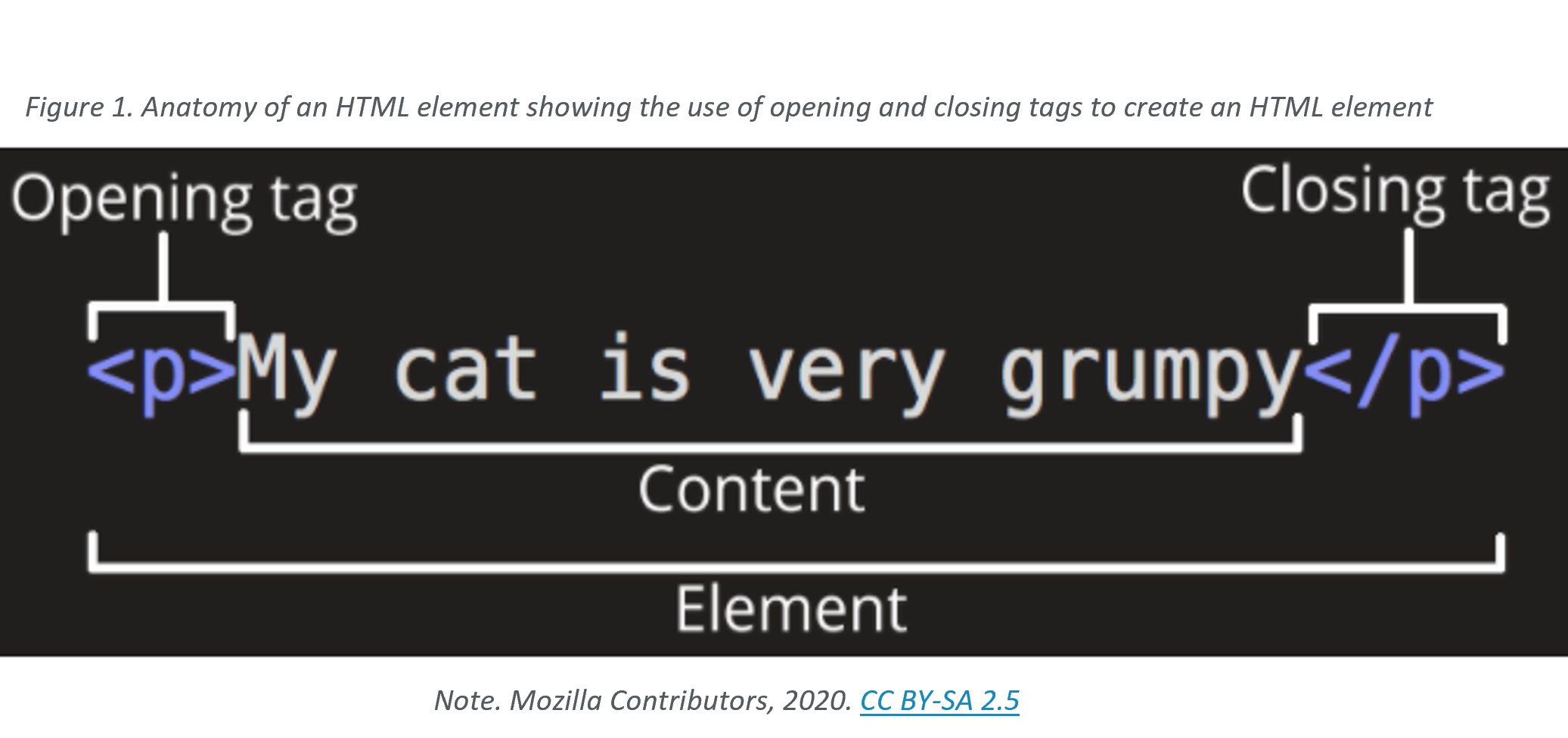
Here are some elements to start with:
- paragraphs
- headings
- lists; ordered and unordered
- Hyperlinks
- Images
- Text formatting elements
- code
- Blockquotes, quotes, and cite: example below
- address
- subscript and superscript
- Abbreviations
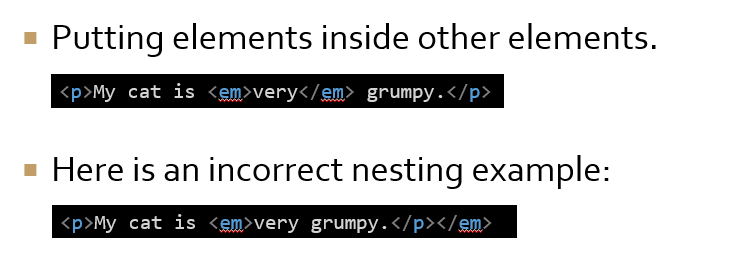

- Block elements:
- Creates a block on a page, that appears in a new line.
- Takes all the width that is available from the left to the right of the parent element.
- Pushes the content that appears after it to the next line.
- Generally, is a structural element on the page like headings, navigation, footer, etc.
- Inline elements:
- Only occupies the space required by the content in it.
- Generally contained inside a block element.
- Does not produce new lines on the page.
Create HTML comments with this syntax between the tags: <!--comment-->